UMT FADR - Forbidden Application Detected Solution
We have made a small tool for the users facing Forbidden Application issue.
Forbidden Application Detector and Remover
It will check and list application causing this issue and will allow to remove them also.
- Run this software and click on Scan. It will list application causing Forbidden Application Error message.
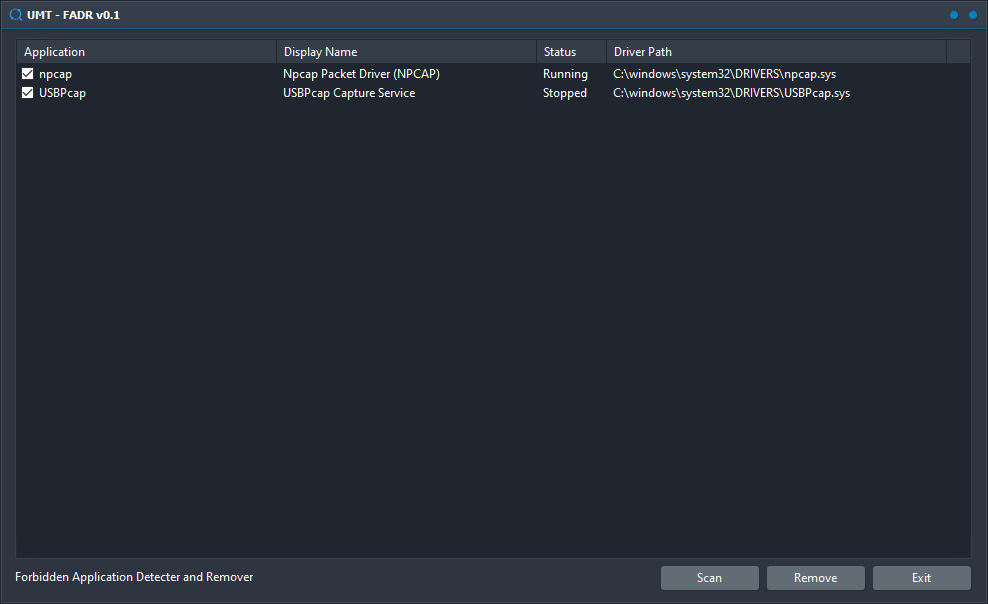 - If you can identify which software may have installed these, we recommend you to uninstall that software using Add/Remove Programs option.
- If you can't, you just click on Remove button in FADR.
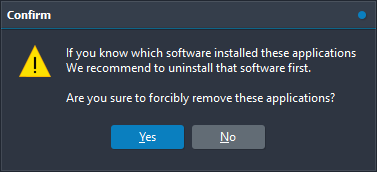 - Click Yes to continue removing these applications. Once done, it will prompt you to restart PC.
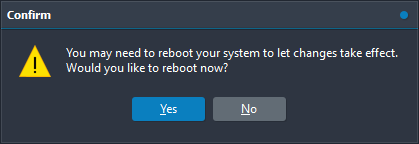 - Click Yes if you want to reboot.
- Now Forbidden Application Error message should be gone.
Please note that removing such applications using FADR's Remove option may cause some issues if those are filter drivers installed for USB Hub or Ports.
In such case, you can reinstall that software and uninstall it again.
Download UMT FADR using Support Access or
Mirrors.
Br,
UMT



