UMTv2 / UMT Pro
Innovative and Intelligent
UltimateMTK2 v2.2
The Ultimate MediaTek Tool
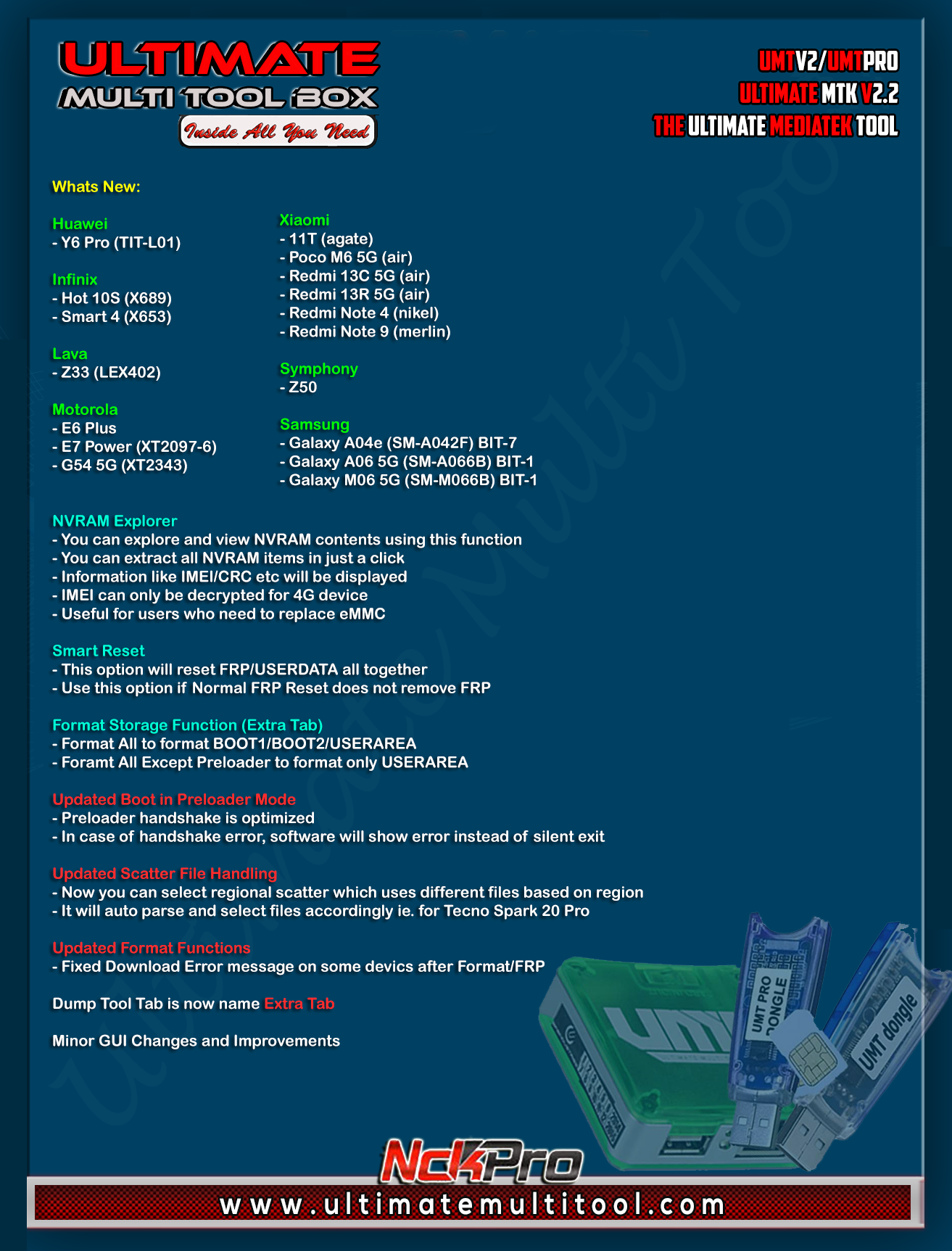 What's New:
Huawei
- Y6 Pro (TIT-L01)
Infinix
- Hot 10S (X689)
- Smart 4 (X653)
Lava
- Z33 (LEX402)
Motorola
- E6 Plus
- E7 Power (XT2097-6)
- G54 5G (XT2343)
Xiaomi
- 11T (agate)
- Poco M6 5G (air)
- Redmi 13C 5G (air)
- Redmi 13R 5G (air)
- Redmi Note 4 (nikel)
- Redmi Note 9 (merlin)
Symphony
- Z50
Samsung
- Galaxy A04e (SM-A042F) BIT-7
- Galaxy A06 5G (SM-A066B) BIT-1
- Galaxy M06 5G (SM-M066B) BIT-1
NVRAM Explorer
- You can explore and view NVRAM contents using this function
- You can extract all NVRAM items in just a click
- Information like IMEI/CRC etc will be displayed
- IMEI can only be decrypted for 4G device
- Useful for users who need to replace eMMC
Smart Reset
- This option will reset FRP/USERDATA all together
- Use this option if Normal FRP Reset does not remove FRP
Format Storage Function (Extra Tab)
- Format All to format BOOT1/BOOT2/USERAREA
- Foramt All Except Preloader to format only USERAREA
Updated Boot in Preloader Mode
- Preloader handshake is optimized
- In case of handshake error, software will show error instead of silent exit
Updated Scatter File Handling
- Now you can select regional scatter which uses different files based on region
- It will auto parse and select files accordingly ie. for Tecno Spark 20 Pro
Updated Format Functions
- Fixed Download Error message on some devices after Format/FRP
Dump Tool Tab is now named Extra Tab
Minor GUI Changes and Improvements
Important Notes:
- You can flash device with both BROM and Preloader mode
- If default DA does not work, use own DA in custom DA
- Force BROM may not work on new security, use Test Point instead
- When using Test Point, you must select Preloader in PL (not needed when flashing)
- If you need to connect device in Preloader mode, you must select PRELOADER in connection settings, otherwise software will try to Crash Preloader (may not work on new security devices)
Note : Some features are device/OS specific and may not work on all devices.
WARNING:
ESN / MEID / IMEI REPAIR IS INTENDED TO REPAIR ESN / MEID / IMEI TO ORIGINAL ONE WRITTEN ON PHONE BACK LABEL / BOX. WE DO NOT ENDORSE OR ENCOURAGE ESN / MEID / IMEI CHANGING. ITS ILLEGAL. USER IS SOLE RESPONSIBLE FOR ANY ILLEGAL ACTIVITY DONE WITH USE OF FEATURES PROVIDED IN OUR SOFTWARE, NOT LIMITED TO ESN / MEID / IMEI.
ANY USER USING OUR SOFTWARE FOR ILLEGAL PURPOSE WILL BE SOLE RESPONSIBLE FOR HIS ACTS.
WE CONDEMN USE OF OUR SOFTWARE FOR ANY ILLEGAL PURPOSE.
Download using
Support Access or
Mirrors
Official Website:
Ultimate Multi Tool
UMT Pro
Br,
UMT



